Screensaver
Overview
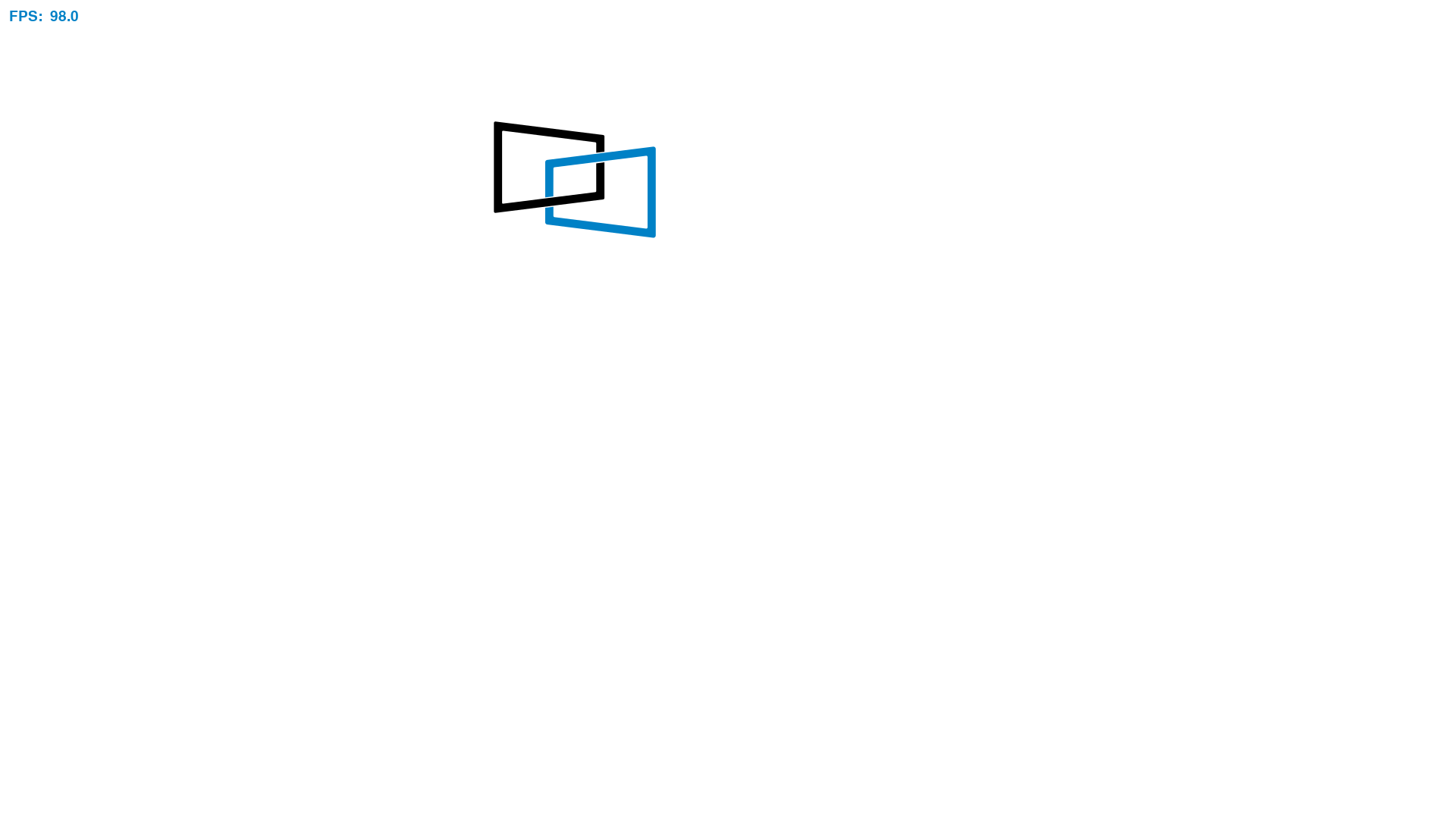
The Screensaver sample demonstrates how to use the DisplayLink Direct Python bindings to render animated content on a connected display. The app uses PySDL2 to render a bouncing DisplayLink logo and streams each frame to the device using the DisplayLink Direct Python module.
This sample is useful for validating end-to-end Python rendering performance, checking display connectivity, and learning how to push RGB frame buffers from Python.
Source Code
The complete implementation of the Screensaver sample is available in samples/screensaver/screensaver.py.
Prerequisites
- DisplayLink Direct Python wheel installed (from the
python/directory in this repository). - Python 3.10 or later.
Setup and Running
Create a virtual environment and install dependencies:
cd samples/screensaver
python3 -m venv .venv
source .venv/bin/activate
pip install -r requirements.txt
Run the sample:
Runtime Behavior
- Initializes DisplayLink Direct with a default configuration.
- Asserts exactly one connected device and one connected display.
- Powers on the display and queries the display resolution.
- Renders a bouncing DisplayLink logo on a white background.
- Displays the real-time frame rate in frames per second (FPS).
- Streams frames continuously until you press
q, pressEsc, close the app window, or pressCtrl+C.
Notes
- The sample uses double buffering to avoid tearing while frames are submitted.
- If the app cannot access the USB device, configure udev permissions as described in the samples/README.md.